04 Site Settings
There are several settings you need to configure to achieve a unique and functional e-commerce site. Click 'Settings' in the left navigational bar to see all settings options:
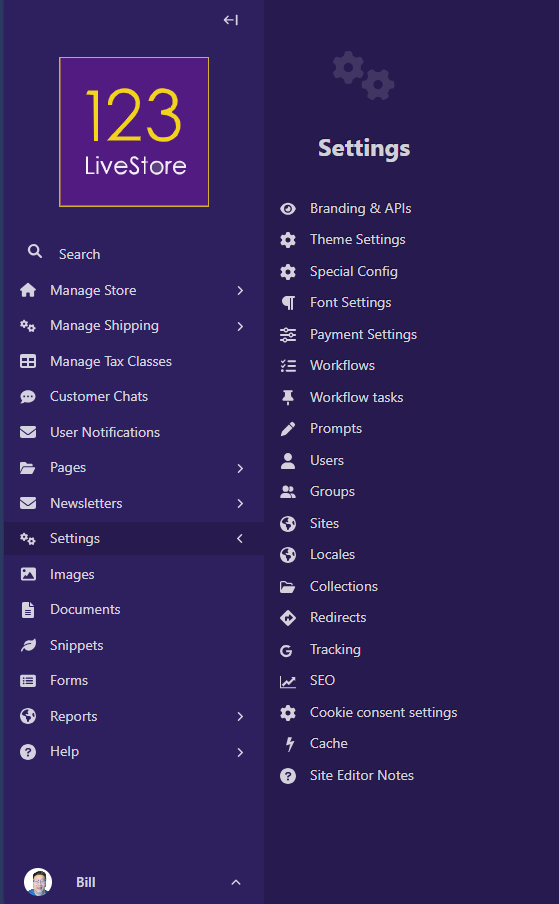
Let's start with 'Branding & APIs' - there are 3 sections as hown below:
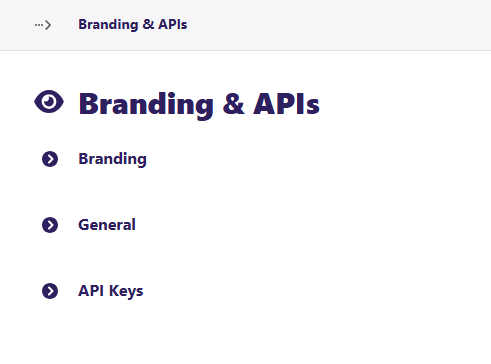
'Branding' - this is where you set the site logo, the mobile logo, and the favicon. You can use the same image for all 3, or you can specify a different image for each option.
'General' - there are 4 general settings including:
- Notification email address - this is the email address for receiving notifications about new orders.
- Number of results per page - controls how many search results are displayed per page
- Open all external links in new tab - this setting determines if external links open in the current tab or open in a new tab.
- Invoice Header - this is where you can set the business name, address, registration, or other details for invoices.
'API Keys' - there are 2 API Keys to set:
- Google Maps API Key
- Mailchimp API Key
There are also 2 other related IDs you need to set:
- Google Analytics ID
- Website Signup Form Mailchimp List ID
All the API Keys and IDs are available from your respective Google and Mailchimp accounts.