08 Settings > Font Settings
The Font Settings page allows you to change the fonts used on your website by providing a Google Fonts URL. This is a simple way to give your site a unique look and match your brand’s style.
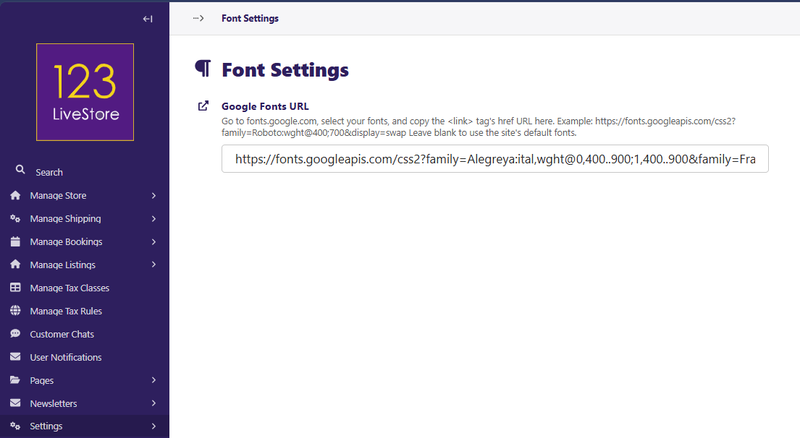
Google Fonts URL
What is this?
This field lets you use any font from Google Fonts on your website. By pasting a Google Fonts URL here, you can instantly update your site’s typography.
How to use:
- Go to fonts.google.com.
- Browse and select the font(s) you want to use.
- In Google Fonts, after selecting your fonts and styles, look for the “Embed” section.
- Copy the URL from the
<link>tag’shrefattribute.
- Paste this URL into the “Google Fonts URL” field on the Font Settings page.
- Click Save to apply the new font(s) to your site.
Leave the field blank to use the site’s default fonts.
Tips
You can include multiple font families and weights in a single URL.
Changes will apply to your entire site after saving.
If you enter an invalid or broken URL, your site will fall back to the default fonts.
For best results, choose fonts that are easy to read.
Back to Contents Page