13 Settings > Groups
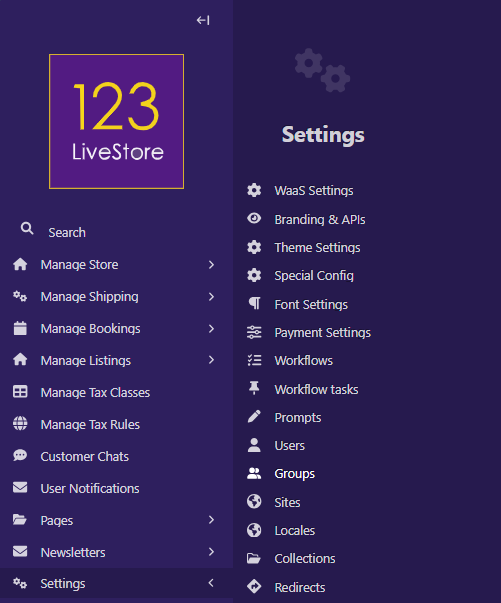
The Groups feature allows for the management of user groups within your website. By default, fresh deployments will include the Moderator and Editor Groups.
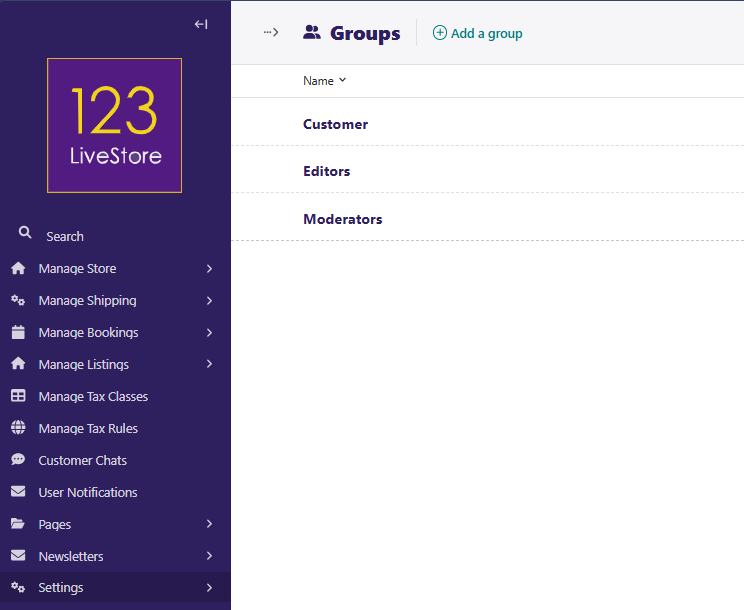
Additional Groups such as 'Customer' can be added by clicking 'Add a group' and then completing the form accordingly:
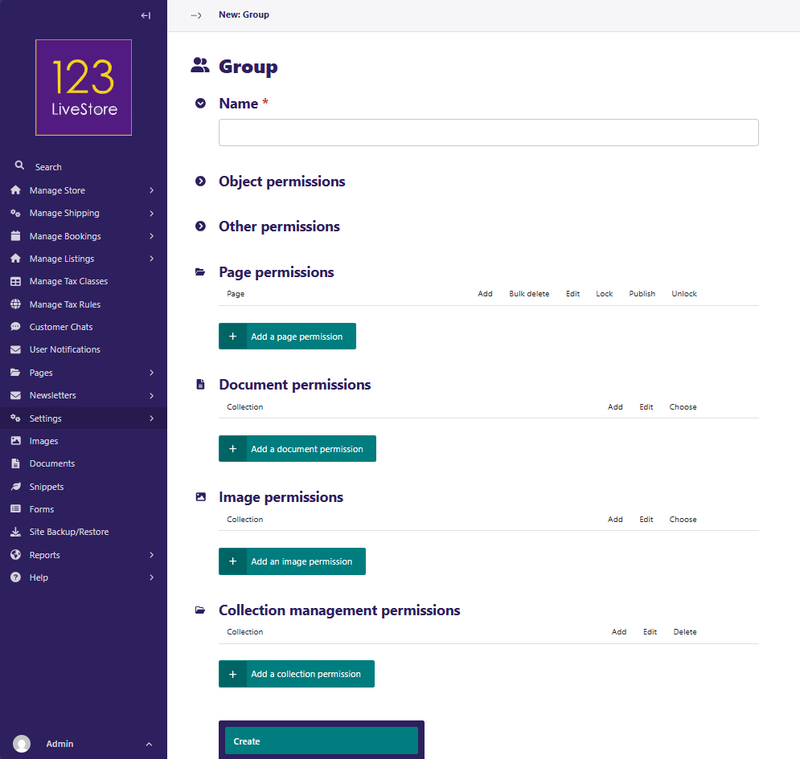
For each section and each function, set the permission you wish to apply for the Group by checking boxes to apply permissions.
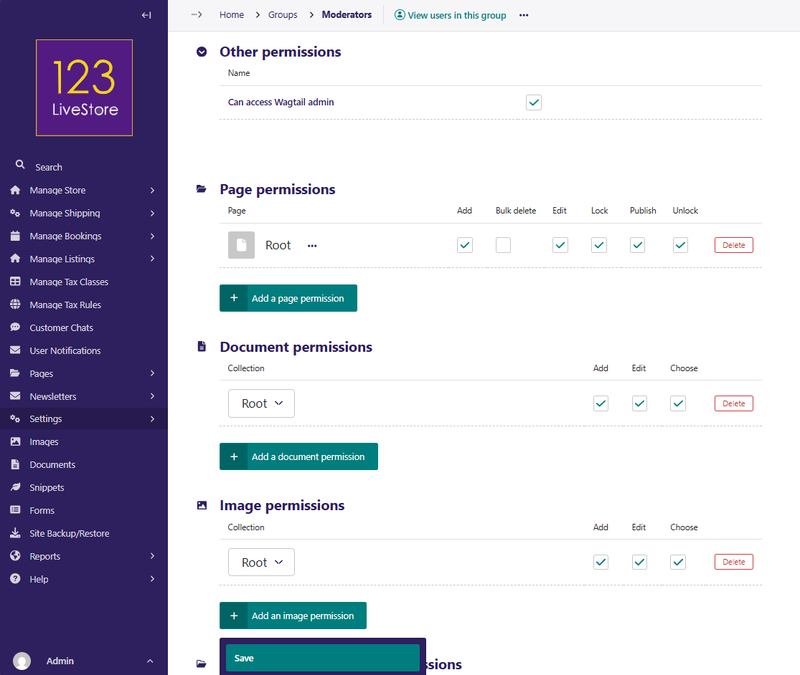
When you are done, click 'Save' to save your changes.