17 Settings > Redirects
About redirects
In the course of publishing and unpublishing pages, you eventually need to make redirects. A redirect helps send visitors and search engines to a new page if your web page becomes unavailable (404). This way, visitors won’t end up on a broken journey that results in a page not found.
The system considers two kinds of configurations for a redirect, depending on whether Permanent remains checked or not:
- Permanent redirect (checked by default)
- Temporary redirect
For both redirect configurations, the visitor won’t notice a difference when visiting a page, but search engines react to these two configurations of redirect differently. In the case of a temporary redirect, a search engine keeps track of your old page and indexes the redirected page. However, with a permanent redirect, a search engine marks the old page as obsolete and considers the new page as a replacement.
Configure redirects
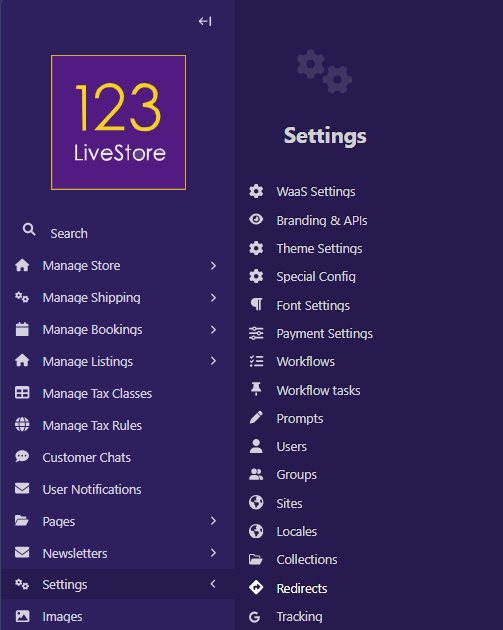
Go to Settings > Redirects from the Sidebar to configure redirects. You can create a new redirect and edit or search for an existing one from the Redirects interface.
Add redirects
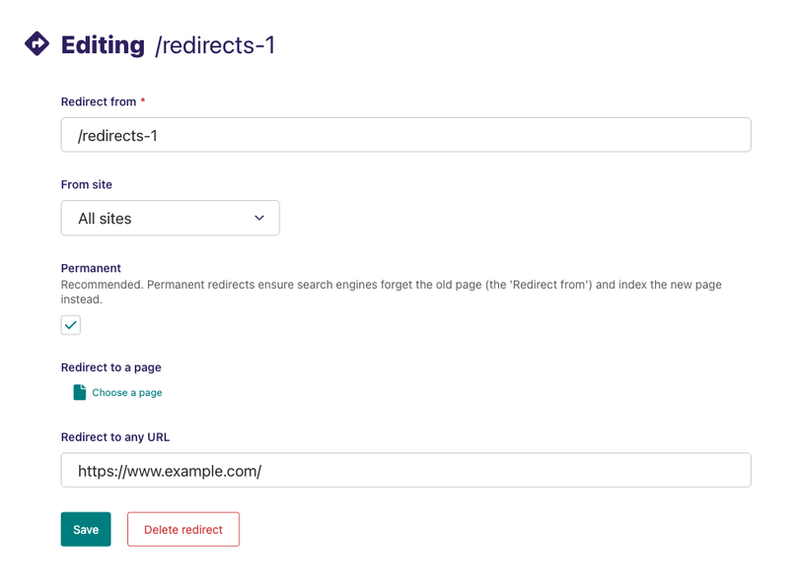
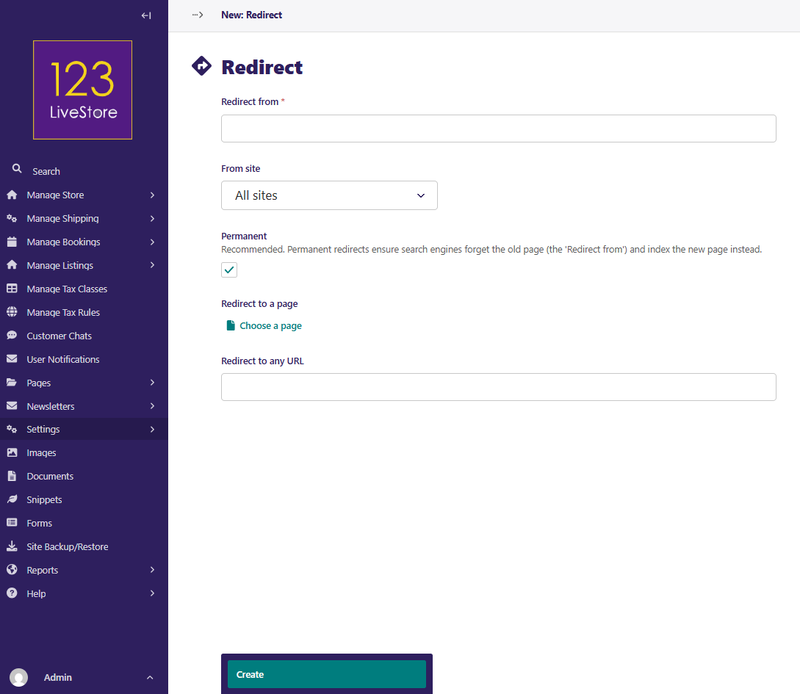
You can create a new redirect by clicking Add redirect at the top of the Redirect interface. Then set Redirect from to the URL pattern that's no longer available on your website. Set the From site to the website that has the unavailable URL pattern.
By default, the system sets a redirect to a permanent redirect. Configure your redirect as a temporary one by unchecking the Permanent checkbox.
Redirect to a page allows you to redirect visitors and search engines to a new page within your website, while the Redirect to any URL field allows you to redirect to a different domain outside of your website.
Edit and search redirects
Edit the details of an existing redirect by clicking the URL path of the redirect you want to configure on the Redirect interface. Search for existing redirects by entering your search term in the search bar. The results automatically update as you type.