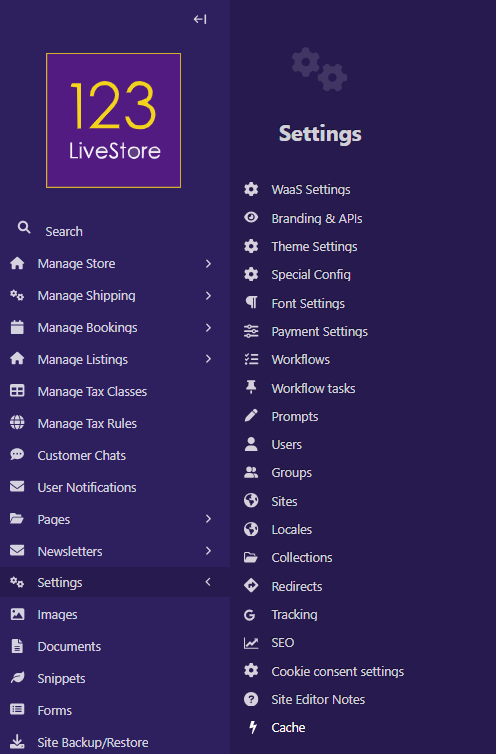
22 Settings > Cache
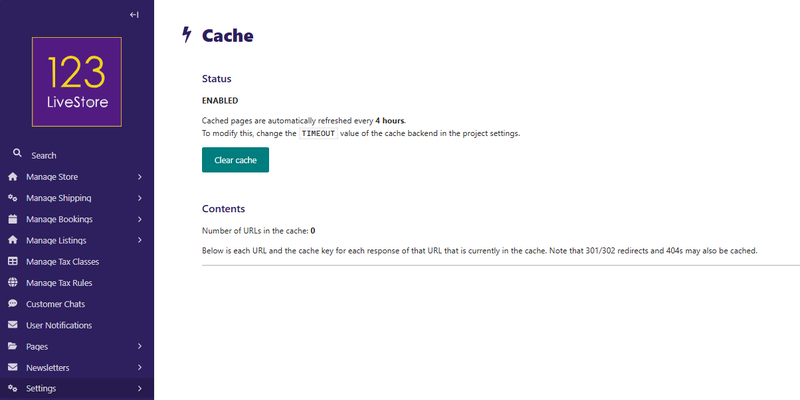
This page shows the status of the page cache. The cache stores pre-rendered HTML responses for public-facing pages so that repeat visitors get fast responses without hitting the database.
Status Indicators
| Status | Meaning |
|---|---|
| ENABLED | Caching is active. Pages are saved to disk after the first visit and served from disk on subsequent visits until the cache expires. |
| DISABLED | Caching is turned off. Every page request is rendered fresh from the database. |
Cache is ENABLED by default.
The timeout value shown (e.g. Cached pages are automatically refreshed every 4 hours) comes from the `TIMEOUT` setting in `CACHES` inside the project settings file. The default is 14,400 seconds (4 hours).
Why is "Number of URLs in the cache" always 0?
This is expected behaviour, not a bug. Ths is the reason:
The URL count is tracked via a special in-cache entry called the keyring. The keyring is stored inside the same cache backend as the cached pages.
Every time you publish or save a page in the site's admin, the cache automatically clears the entire cache backend (so stale pages are never shown). This also deletes the keyring. The next visitor to each page causes it to be re-cached, and the keyring starts rebuilding from zero.
Because your production site sees frequent page publishes, the keyring rarely stays populated long enough for you to notice a non-zero count when you visit this admin page.
In short: The URL count resets to 0 on every page publish. This is normal.
The "Clear Cache" Button
Clicking Clear cache manually wipes all cached pages from disk.
Use it when:
- You have made template or CSS changes outside of the editor (e.g. a code deployment) and want visitors to get the new version immediately rather than waiting up to 4 hours.
- A page is displaying stale content that wasn't flushed automatically.
Under normal circumstances you do not need to click this button — publishing a page in the site's admin already clears the cache automatically.