29 Reports
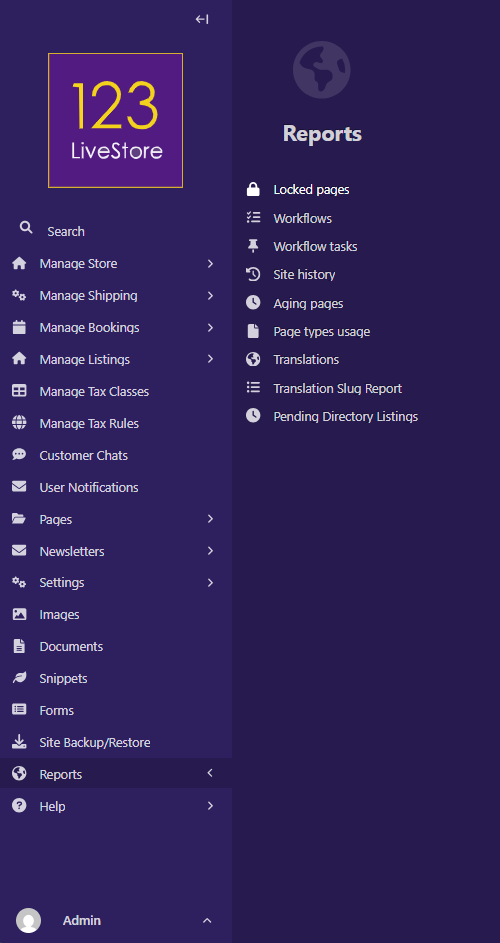
Locked pages
The Locked pages report consists of a list of your locked pages. You also get to see the time and date when the pages were locked.
Workflows
The Workflows report provides a detailed history of all your Workflows. By accessing this report, you can view a list of Workflows you have submitted for moderation, approved Workflows, and cancelled Workflows. Additionally, you will see the date and time when each action was performed by users.
Workflow tasks
The Workflow tasks report shows you the history of actions related to your Workflow tasks. By accessing this report, you get a list of the Workflow tasks that are in progress, approved, or cancelled. You also get to see the time and date when each action was performed by users.
Site history
The Site history report provides you with the history of all actions performed on your website through the Admin interface. These actions include, but are not limited to the following:
- Creating, publishing, unpublishing, copying, aliasing, and deleting your pages
- Saving your pages as drafts
- Locking and unlocking of pages
- Creating and editing redirects
Aging pages
The Aging pages report lists all pages on the site from oldest to newest. This helps content teams understand which pages might need updating.
Page types usage
The Page types usage report provides an overview of all page types in use on the site, each with a count of how many pages it has, and a link to a sample page of that type.
Translations
The Translations report lists all content types with their respective source, target, and status of translation.
Translation Slug Report
The Translation Slug Report lists all page titles with their respective source and target slugs, the locale, and if there is a mismatch, marked it with a red X. Pages below the Root must have unique slugs, so every locale's 'Home' page will have a number appended to 'home' for uniqueness. Ignore the mismatch flags for these pages. If there are mismatches that are not related to 'home', you can fix these mismatches by clicking the blue 'Sync Slugs' button. Sometimes product variant images might be missing after translation - fix any missing translated images by clicking the green 'Sync All Product Variant Images'.
Pending Directory Listings
The Pending Directory Listings report lists all listings awaiting moderation approval.