41 User Notifications
User Notifications is a read-only admin audit log of system-generated in-app notifications that have been sent to end users (customers/registered users) on the site.
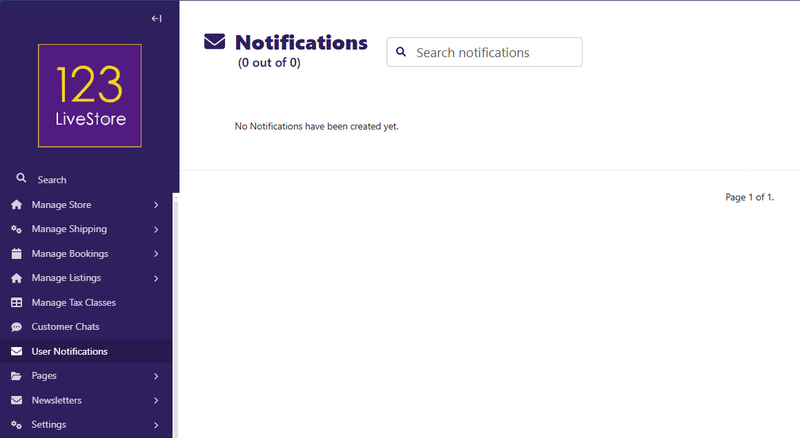
Here's what it covers:
| EVENT | NOTIFICATION TYPE |
|---|---|
| Customer places a new order | ORDER_PLACED |
| Order moves to processing | ORDER_PROCESSING |
| Order shipped | ORDER_SHIPPED |
| Order delivered | ORDER_DELIVERED |
| Order cancelled | ORDER_CANCELLED |
| Admin replies to a customer's conversation | NEW_MESSAGE |
Other types defined but not yet wired to signals (available for future use): `PAYMENT_CONFIRMED`, `ORDER_ISSUE`, `REFUND_PROCESSED`, `NEW_COUPON_AVAILABLE`, `PRODUCT_ON_SALE`, `PRICE_DROP_ALERT`, `GENERAL_ANNOUNCEMENT`.
What the admin page lets you do:
- Browse all notifications across all users — filterable by type, read/unread status, date, username
- Search by username, email, message text, order ID, or conversation subject
- Inspect the full detail of any notification (user, type, message, timestamp, read status, linked order/conversation)
- Cannot create or edit notifications — they are purely system-generated (the `NotificationPermissionHelper` blocks both)
- Can delete stale records if needed
Where users see these:
In their own customer dashboard (the `/dashboard/notifications/` views let users mark them read, delete them, or mark all read). This site admin view is purely for store operators to monitor what notifications have gone out.
Back to Contents Page